
🚀 Windows Terminal: History Search (Type ‘ssh’ + Up/Down keys)
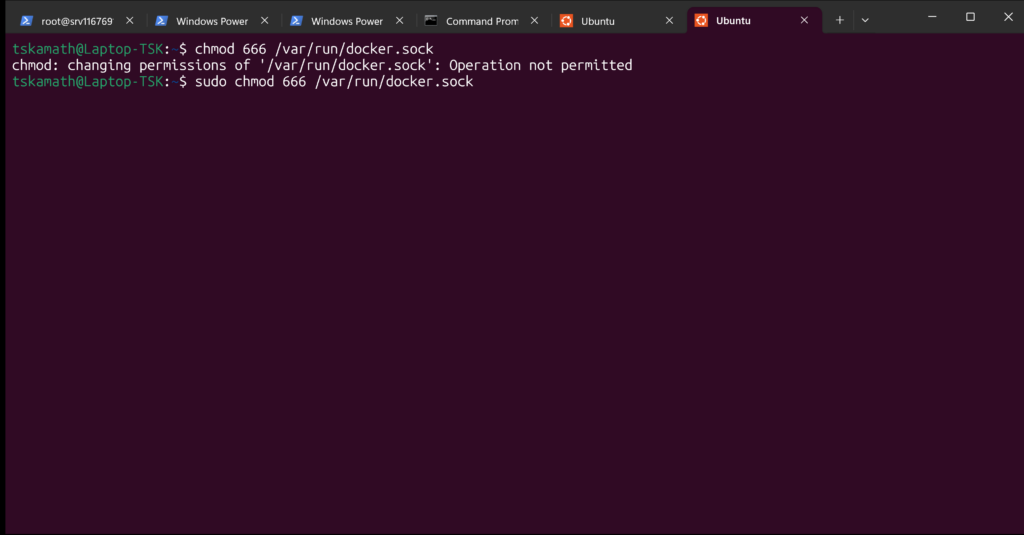
History search (typing ssh / sudo then Up/Down for matching commands only) uses shell-specific bindings. Configured for Windows PowerShell 5.1 and WSL bash.
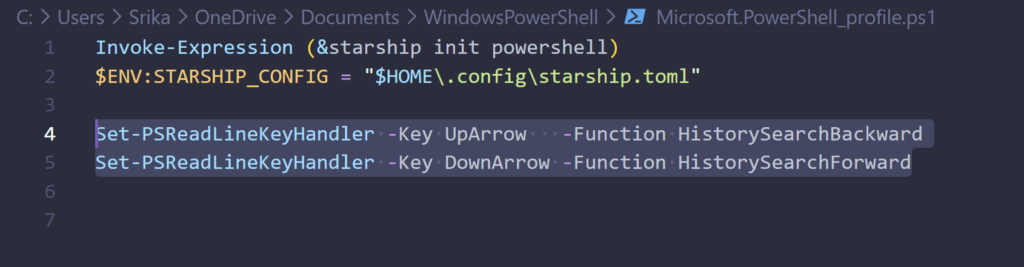
PowerShell Setup (Your Default)
PSReadLine handles history search. Confirm with $PSVersionTable (shows 5.1 Desktop).
One-time test:
textSet-PSReadLineKeyHandler -Key UpArrow -Function HistorySearchBackward
Set-PSReadLineKeyHandler -Key DownArrow -Function HistorySearchForward
Type ssh, hit UpArrow: cycles ssh commands backward. DownArrow forward.
Permanent (add to profile):
>notepad $PROFILE
Paste bindings, save, new tab. PSReadLine already loaded (Get-Module PSReadLine).
WSL Bash Setup
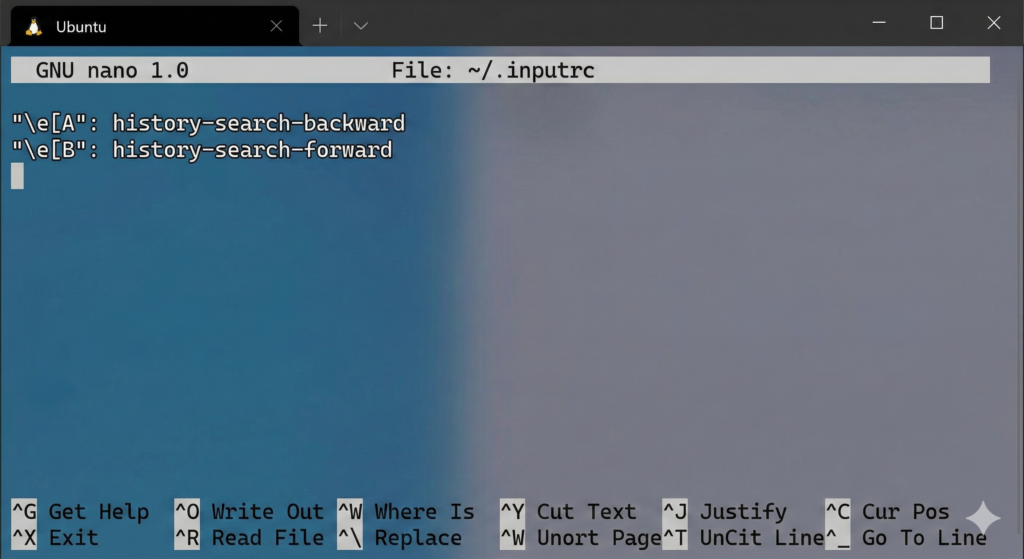
Confirmed bash via echo $0. Uses ~/.inputrc.
Configure:
textnano ~/.inputrc
Add:
text"\e[A": history-search-backward
"\e[B": history-search-forward
Save (Ctrl+O, Enter, Ctrl+X). Reload: bind -f ~/.inputrc.
Type ssh, UpArrow/DownArrow: matches prefix-only. Restart WSL tab for persistence.
Troubleshooting
- PowerShell:
Get-PSReadLineKeyHandlerlists bindings. Reinstall PSReadLine if missing:Install-Module PSReadLine -Force(admin). - WSL: Verify
~/.inputrcloaded:bind -p | grep history-search. New distro? Prefix steps same. - Starship: Purely visual; ignores history. Works post-config.
Test now: type ssh + arrows. Matches exact prefix across sessions.